WhatsApp for real estate agents: a practical guide for agencies
Most property conversations in the UAE and Pakistan happen on WhatsApp. Here is how agencies can use it professionally: one business number, quick replies, the 24-hour rule, voice notes and keeping chats safe when agents leave.
On this page
In the UAE and Pakistan, property conversations happen on WhatsApp. Clients send enquiries, voice notes, location pins and screenshots of listings. Agents send photos, brochures and floor plans. Viewings are arranged in a chat, and sometimes whole deals are negotiated there.
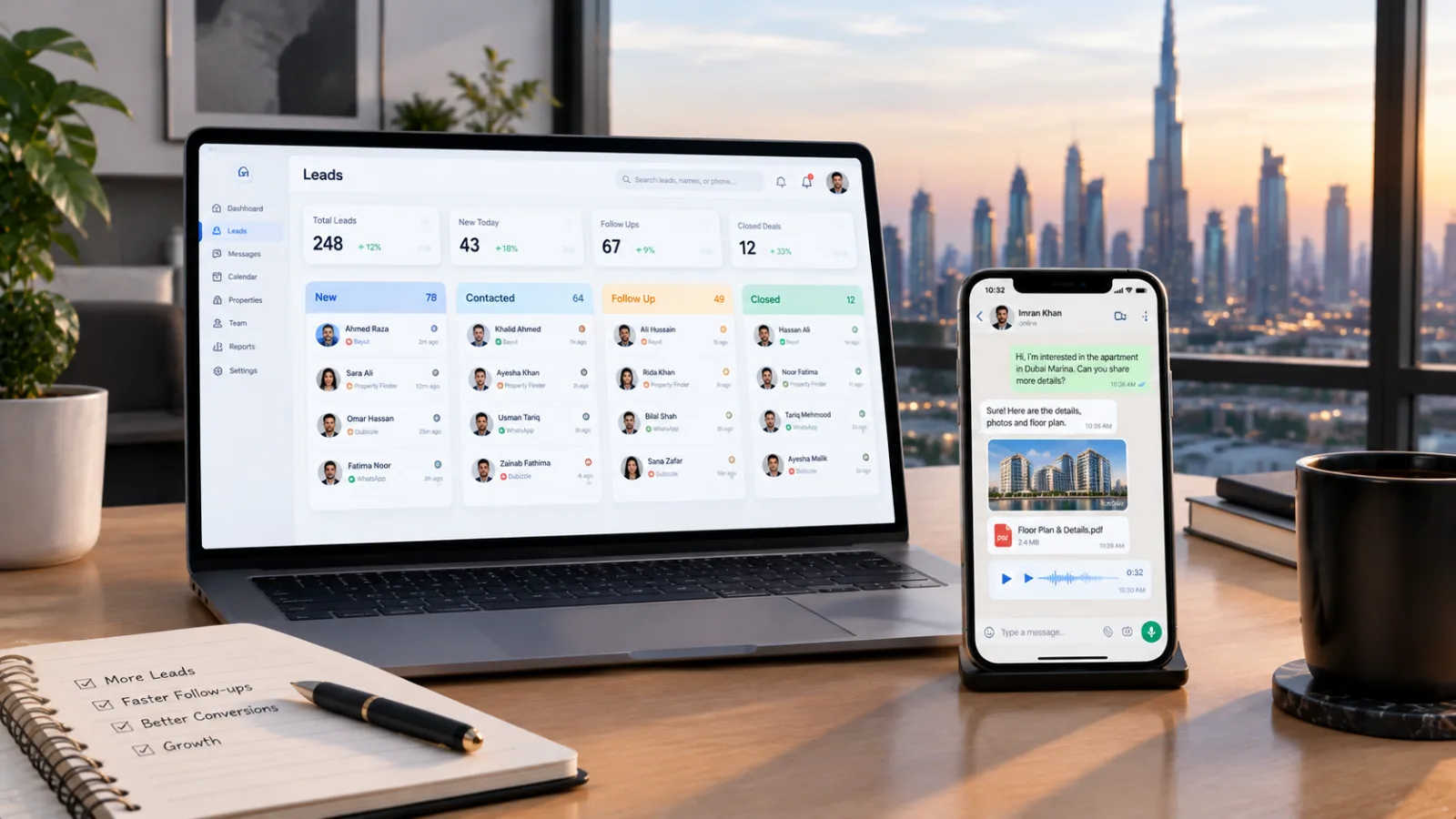
Yet in many agencies, WhatsApp is still used the same way it was years ago: on personal phones, in personal accounts, with no record for the business. That works until a client is missed, a chat is lost or an agent leaves.
This guide covers how to use WhatsApp professionally as an agency, without losing the speed and personal touch that make it work.
Personal numbers vs. a business number
Most problems start with agents using their personal WhatsApp for clients.
| Agents' personal numbers | One business number in a shared inbox | |
|---|---|---|
| Who owns the chats | The agent | The agency |
| When an agent leaves | Clients and history leave too | Everything stays with the agency |
| Covering for a busy agent | Not possible | Another agent can reply |
| Seeing what was promised | Only by asking | The full chat is visible |
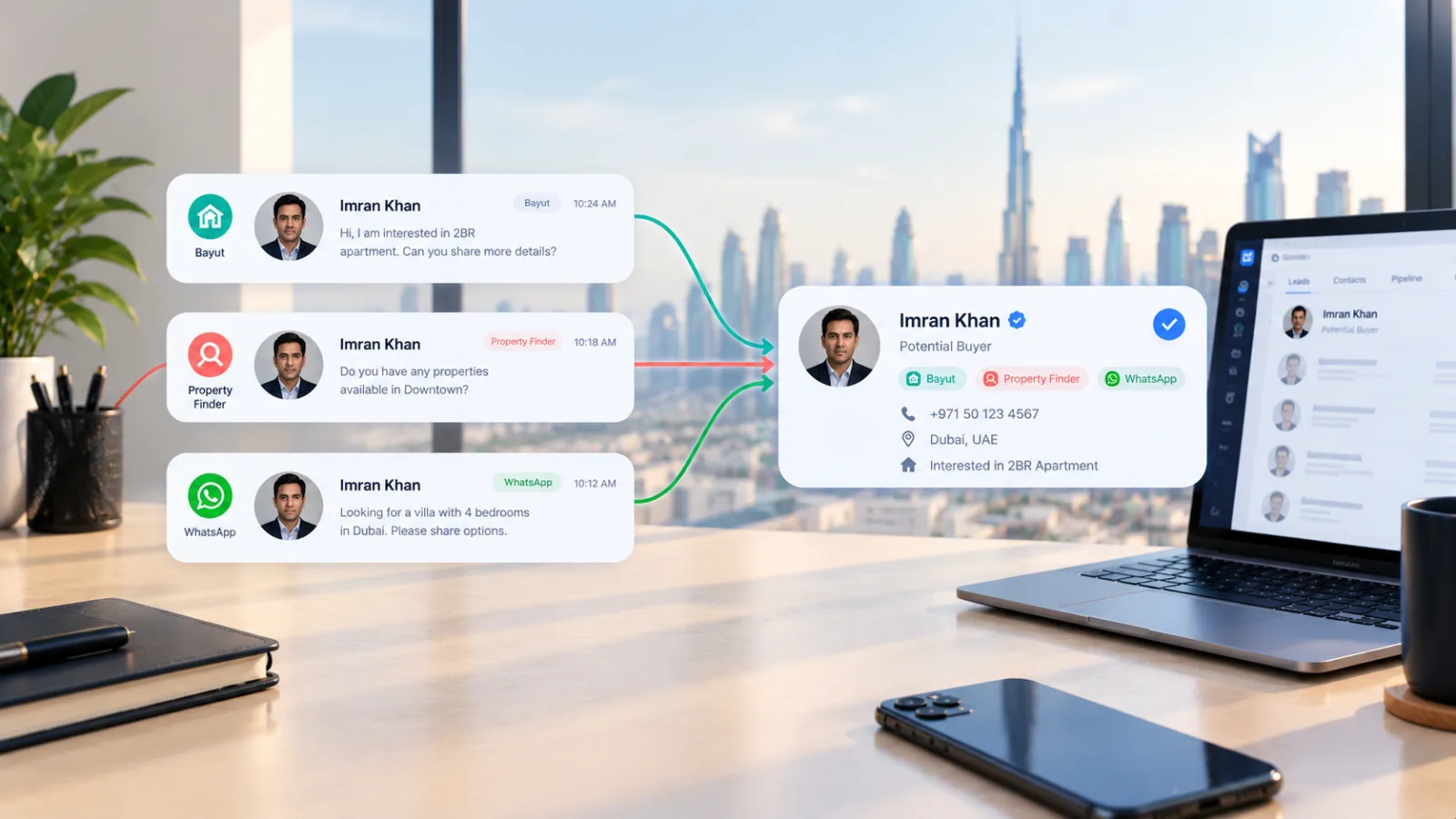
| Linking chats to leads | Manual, if at all | Each chat belongs to a lead |
A single business number, used through a shared inbox, gives you the best of both: clients still chat on WhatsApp as they always have, but the conversation belongs to the agency.
Understand the 24-hour window
If you use the official WhatsApp Business Platform, there is one rule every agent should know:
- When a client messages you, a 24-hour window opens. During this time, you can reply freely with text, photos, documents and voice notes.
- Every new message from the client restarts the 24 hours.
- After the window closes, you can only start a conversation with a pre-approved message template, and Meta may charge for these messages.
What this means in practice:
- Reply fast. The best time to send options, brochures and questions is while the window is open.
- End with a question. A question invites a reply, which keeps the window open.
- Prepare a few templates for follow-ups after the window closes, for example "Hi {{name}}, do you still need help finding a 2-bedroom in JVC? I have a few new options."
Write messages clients want to answer
WhatsApp is personal, so messages should feel personal too. A few guidelines:
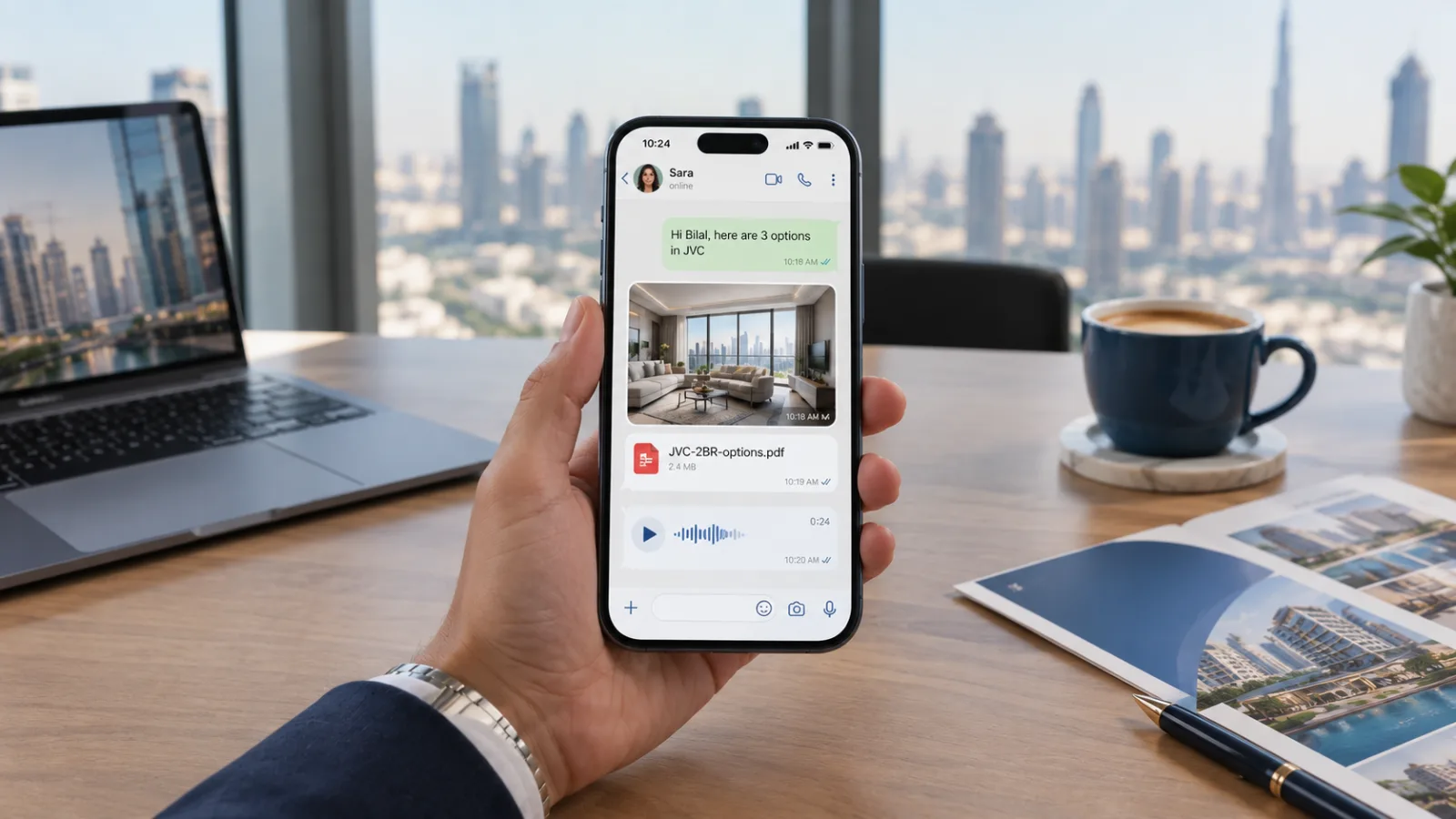
- Use the client's name and your own. "Hi Bilal, Sara here from Skyline Properties."
- Keep messages short. Two or three lines, then a question.
- One question at a time. "Are you looking to rent or buy?" works better than five questions in one message.
- Reply in the client's language. If a client writes in Roman Urdu or Arabic, answering in the same language builds trust immediately.
- Avoid sending ten photos at once. Send the best two or three and offer more.
Voice notes: answer them properly
Many clients prefer voice notes, especially when they are driving or busy. Don't ignore them or reply with "Please type your question."
- Listen to the full note before replying.
- Write down the key details: area, budget, bedrooms, timeline.
- Reply in text if the answer contains numbers or addresses, so the client can refer back to it.
- Use a voice note back if the client clearly prefers talking.
Sharing photos, brochures and floor plans
Media sells property, but it can also overwhelm a chat. A good order is:
- Two or three photos of the property that best matches the requirement.
- A PDF brochure or floor plan if the client is interested.
- A location pin when you arrange a viewing.
Name your files clearly, for example JVC-2BR-options.pdf rather than IMG_4821.pdf. It looks professional, and the client can find it later.
Handovers: when someone else needs to take over
Agents go on leave, change teams or leave the agency. With a shared inbox, the handover is simple:
- The manager reassigns the client's lead to another agent.
- The new agent reads the full chat history.
- They introduce themselves in the same chat: "Hi Omar, I'm Ahmed. Sara has passed your search to me while she is away. I've seen you're looking at Dubai Marina."
The client never has to repeat themselves, which is often the difference between keeping and losing them.
Should you use a WhatsApp chatbot?
An automated assistant can reply instantly, day and night, which is valuable when many enquiries arrive in the evening. A good assistant:
- Replies in the client's language
- Asks the basic questions one at a time: buying or renting, property type, area, bedrooms, budget
- Understands voice notes
- Saves the answers to the lead and notifies your team
- Hands over to a person when the client asks
And just as important, a good assistant never invents prices, listings or availability. Its job is to start the conversation and collect the requirement, not to close the deal.
Checklist
- One business WhatsApp number, not personal phones
- A shared inbox where chats are linked to leads
- Every agent understands the 24-hour window
- A few approved templates for follow-ups
- Short, personal messages with one question at a time
- Voice notes answered properly
- Clear handovers when an agent is away or leaves
How EstateQube helps
EstateQube brings your agency's WhatsApp into the CRM, using the official WhatsApp Business Platform. Every chat is linked to its lead, agents can send photos, documents and voice notes from the same screen, and the AI assistant replies 24/7 in English, Roman Urdu, Urdu and Gulf Arabic, understands voice notes and hands over to your team.
- #whatsapp business
- #real estate agents
- #client communication